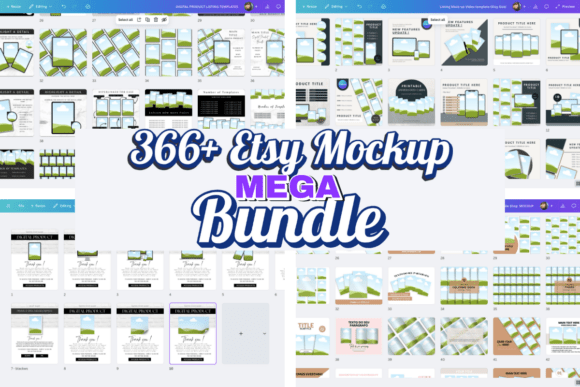
300+ Canva Etsy Mockup Template Bundle for Digital Sellers
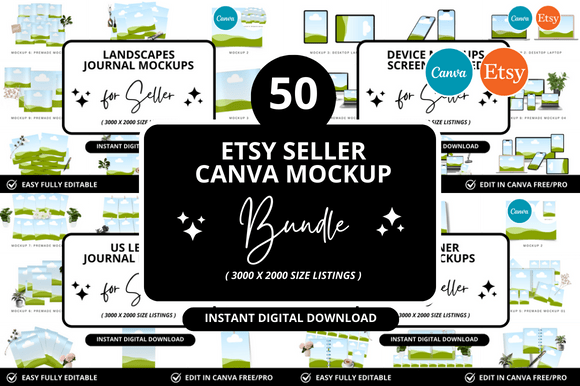
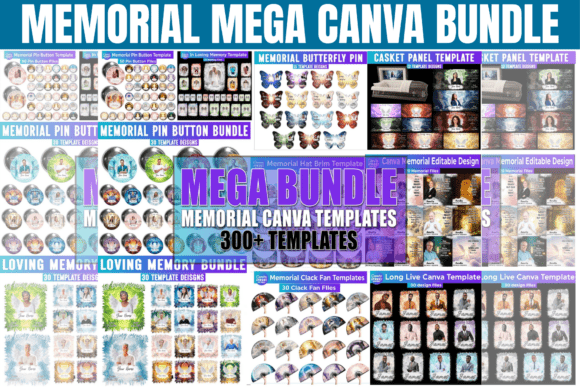
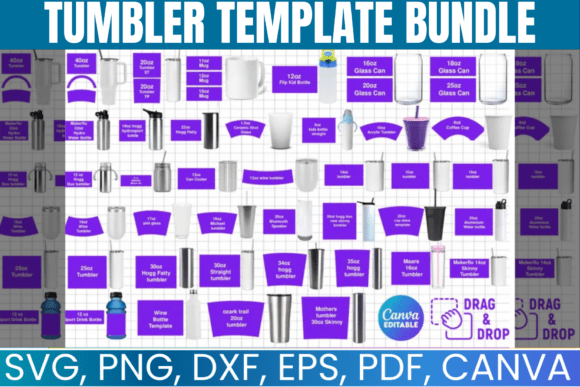
Let’s be honest, the text content of your digital product might be revolutionary, but if your listing images look like a rushed afterthought, you are losing sales. On a platform as visual as Etsy, your brand identity starts with the thumbnail. If you are struggling to create cohesive, professional-looking graphics because you aren't a graphic designer, or simply don't have the time, I found a solution that changes the workflow for digital creators. The 300+ Canva Etsy Mockup Template Bundle is not just a collection of pretty pictures; it is a strategic design asset system built specifically for conversion.
Visual Style and Personality: Beyond Standard Mockups
When we talk about modern typography and layout design, there is a distinct difference between a "mockup" and a "listing strategy." This bundle bridges that gap. Visually, the templates avoid the sterile, stock-photo look that plagues so many Etsy shops. Instead, the style leans into a clean, editorial aesthetic. It uses a mix of sans serif font pairings for headers to grab attention, often combined with script font accents for a touch of personality. This creates a warm, approachable vibe that feels professional but not corporate.
The color palettes within the 300+ Canva Etsy Mockup Template Bundle are versatile. They provide a strong foundation for high contrast—crucial for readability on mobile devices—but are easily adaptable. Whether your brand is bold and energetic or soft and minimalist, the underlying graphic design principles remain consistent. The "personality" of these templates is one of authority and trust. They are designed to make your digital product look tangible, valuable, and ready to buy.
Strategic Applications for Etsy Sellers
The real power of this bundle lies in how it handles the customer journey. On Etsy, you get ten image slots. Most sellers use two or three and leave the rest blank, or worse, upload blurry screenshots. This Etsy listing template pack utilizes every inch of that real estate.
Here is how the structure works in practice:
- The Thumbnail: Optimized for search results. It focuses on a clear mockup design of your product (like an iPad or laptop screen) with bold, legible text. This is your click-driver.
- Features & Benefits: Instead of listing specs, these slides use iconography and typography to highlight value.
- Social Proof: Dedicated layouts for customer reviews and testimonials. Seeing a 5-star review image builds immediate trust.
- The "Why" & FAQs: Addressing objections visually reduces the friction to purchase.
This isn't just about making things look good; it's about marketing psychology. By using these templates, you are guiding the customer's eye exactly where you want it to go, creating a visual hierarchy that sells.
Technical Flexibility: Why Canva Works
A major hurdle for small business owners is software cost. You don't need a premium font license or an expensive Adobe subscription to use this bundle. It is designed entirely within Canva, meaning it works flawlessly with the Canva Free account. This is a massive advantage for entrepreneurs and crafters who want to keep overhead low.
The "drag-and-drop" nature of Canva means you can customize these digital product templates in minutes. Swap out the device mockup for a phone or desktop view, change the background color to match your brand identity, and update the text. It removes the technical barrier to entry for high-quality web design and marketing materials.
Who Is This Bundle For?
This resource is specifically tailored for creators who sell intangible goods. If you create ebooks, guides, planners, or journals, the standard "flat lay" image often fails to convey the product's utility. These templates provide device mockups that show your PDF on a screen, making it feel like a real app or tool.
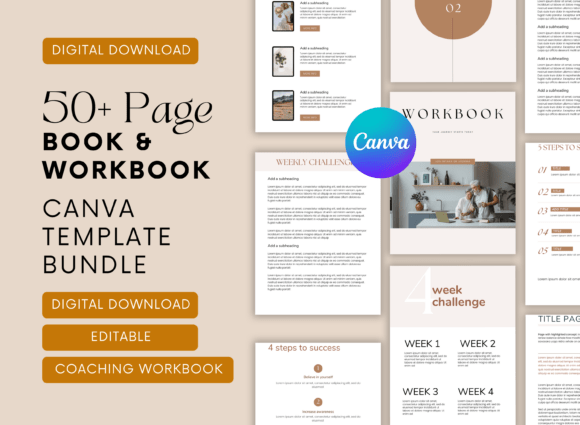
It is equally effective for bundle listings. Selling a pack of 10 planners? The templates include layouts that stack multiple items, showing volume and value without looking cluttered. Whether you are a blogger selling a media kit, a publisher promoting a book cover design, or a coach selling a workbook, the 300+ Canva Etsy Mockup Template Bundle adapts to your specific niche.
Practical Tips for Implementation
To get the most out of this creative font and layout pack, focus on consistency. When you download the bundle, pick one color scheme and stick to it across all your listings. This creates a cohesive storefront that looks established.
Also, pay attention to the readability of your text overlays. While the templates use beautiful typography, ensure your specific product title is legible when viewed as a small thumbnail on a phone screen. High contrast is key here. Use the templates to test different font pairing combinations until you find the one that speaks to your audience.
Ultimately, this bundle is about saving time while elevating your perceived value. It turns the daunting task of graphic design into a simple editing session, allowing you to focus on what you do best: creating amazing digital products.